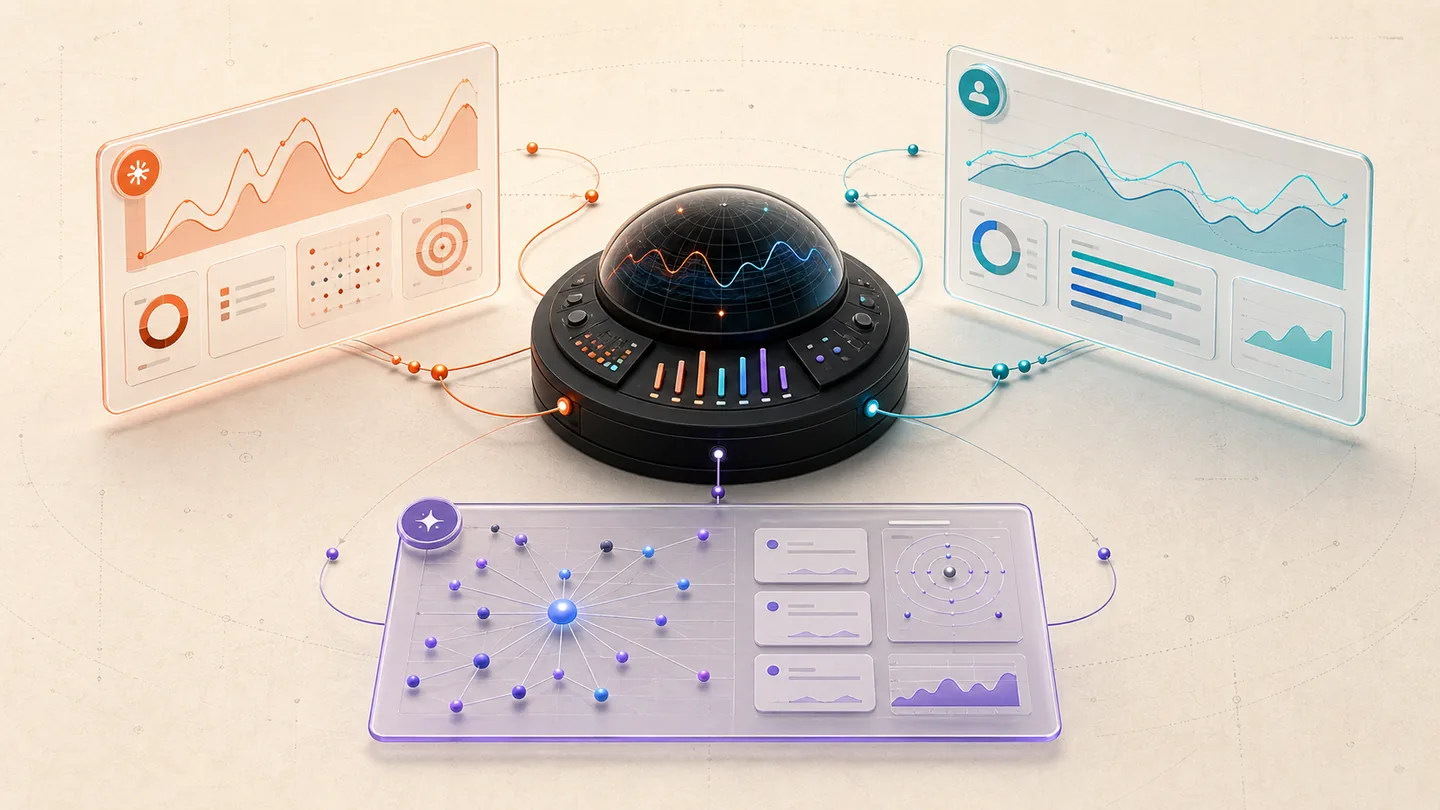
What each platform actually measures
The reporting problem is simple: each platform observes a different event. Google can tell you that a page appeared in an AI Overview or AI Mode response. Bing can tell you that one of your URLs was cited in a Microsoft AI answer. GA4 can identify some visits referred by AI assistants. Your own conversion tracking is the only place that can connect a session to an enquiry or sale.
Combining those events into one score hides the useful diagnosis. A page can gain AI impressions without earning a visit. It can earn citations without attracting the right buyer. It can receive assisted discovery that later returns through branded search or direct traffic. Keep the stages separate, then look for patterns between them.
| Surface | What it shows | What it does not prove |
|---|---|---|
| Google Search Console | AI Overview and AI Mode impressions by page, country, device and date | Clicks, queries, rank, leads or a guaranteed citation |
| Bing Webmaster Tools | Total citations, cited pages, grounding queries and citation trends | Authority, fixed placement, ranking or business impact |
| GA4 | Attributable AI Assistant sessions, engagement, key events and revenue where configured | Every AI visit, Google AI feature traffic or influence before the visit |
| CRM or enquiry system | Lead quality, pipeline stage, revenue and assisted conversion notes | The exact answer surface unless attribution is captured |
1. Read Google's generative AI report as a visibility report
Google Search Console's generative AI performance report currently shows impressions for AI Overviews and AI Mode. You can break those impressions down by page, country, device and date. Google assigns page data to the canonical URL, so a clean canonical setup matters when you compare page totals with site totals.
The report does not currently include clicks, click-through rate, queries or average position. It is also rolling out to a subset of properties, and sites without enough impressions may not see it. That limitation is important: an increase is evidence of more appearances in Google's generative experiences, not evidence of more traffic or better rankings.
- Compare 28-day and 90-day trends instead of reacting to one volatile day.
- Review page and country data together so you do not mistake irrelevant-market exposure for demand.
- Annotate major content and technical changes, but do not claim causation from a simple before-and-after chart.
- Check the canonical URL before investigating a page-level mismatch.
2. Use GA4 to measure attributable AI visits
GA4's default channel group includes an AI Assistant channel for traffic attributed to recognised services such as ChatGPT, Gemini, DeepSeek, Copilot and Grok. In the Traffic acquisition report, compare sessions, engaged sessions, engagement rate, key events and revenue for that channel. Add landing page as a secondary dimension to see which answers actually produced a visit.
There are two limits to state in every report. First, Google says the AI Assistant channel excludes traffic from AI Overviews and AI Mode. Second, a visit can become Direct when the browser or app does not pass a usable referrer or campaign parameter. GA4 therefore measures attributable AI referrals, not the full influence of AI-assisted research.
- Track form starts and successful submissions as separate events so UX friction is visible.
- Keep source and medium available beside the channel group for investigation.
- Ask qualified leads how they found the business; self-reported attribution can reveal influence that web analytics missed.
3. Use Bing AI Performance for citation evidence
Bing Webmaster Tools' AI Performance report exposes total citations, average cited pages, citation activity by URL and sampled grounding queries. It is useful for finding the pages and questions Microsoft AI experiences already associate with your site.
Microsoft warns that the data should not be read as a ranking system, authority score or guarantee of placement. Treat a citation as an observed use of a URL. Open the cited page, inspect whether the supporting passage is current and specific, then decide whether the reader needs a clearer next step.
Build one monthly AI search scorecard
A compact scorecard is more useful than a decorative AI visibility score. Record the reporting window and market, then keep four groups of metrics: Google AI impressions, Bing citations, GA4 AI Assistant sessions and business outcomes. Add the leading pages beneath each group so the team can act on the data.
For a small service business, the commercial column matters most. Track qualified enquiries, booked calls, assisted conversions and the services mentioned in the enquiry. Rankings and citations are observations; they only become valuable when the right prospect moves forward.
| Observed pattern | Likely interpretation | Next check |
|---|---|---|
| Google AI impressions rise; AI Assistant sessions stay flat | Visibility increased in Google AI features, but attributable assistant visits did not | Review country, device, pages and on-SERP intent |
| Bing citations rise; enquiries stay flat | The site is being used as a source, but the cited pages may not serve buyer intent | Inspect cited passages and the path to a relevant service |
| AI Assistant sessions rise; key events do not | More attributable visits arrived, but the landing experience or audience fit may be weak | Review landing page, intent, mobile UX and form completion |
| Qualified enquiries rise across several channels | AI may assist research, but last-click data cannot isolate its contribution | Use lead-source questions and assisted-conversion paths |
Changes worth making after the report
Optimisation should follow the diagnosis. If one page earns impressions but no business value, make its audience and next step clearer. If a cited page is outdated, refresh the supporting facts and source notes. If AI referrals engage but do not convert, improve the landing path before publishing more content on the same topic.
Google's current guidance does not require special AI schema or an llms.txt file. The durable work is familiar: accessible pages, descriptive headings, direct answers, original evidence, accurate dates, visible authorship, internal links and structured data that matches the page. Keep the experience fast and readable on mobile so the visitor can use the answer once they arrive.
Reporting claims to avoid
Do not label an impression as a click, a citation as a ranking, or an AI referral as a sale. Do not combine different date ranges in a before-and-after graphic. Do not present estimated third-party visibility as first-party platform data. Each chart should name its source, period and definition.
The honest conclusion is often more useful than a confident one. State what changed, where it was observed, what remains unknown and what you will test next. That makes the report defensible and gives the next month of work a clear purpose.
Check the platform guidance
Sources reviewed 24 August 2026. These links support the platform-specific statements above; they do not imply a partnership or endorsement.
- Google Search Console: Generative AI performance reportCurrent dimensions, impression definition, canonical aggregation and report limitations.↗
- Google Search Central: Generative AI performance reportsGoogle's announcement and intended use of the Search Console report.↗
- Google Search Central: succeeding in AI searchOfficial guidance on content, technical foundations, controls and measurement.↗
- Google Analytics: default channel groupDefinition and inclusions for the AI Assistant channel.↗
- Google Analytics: Traffic acquisition reportHow to review session acquisition, engagement and key events.↗
- Google Analytics: understand Direct trafficReasons a session may be attributed to Direct or none.↗
- Bing Webmaster Blog: AI Performance public previewMicrosoft's description of citations, grounding queries and reporting limits.↗